
 Español
 English
 Français
 Português
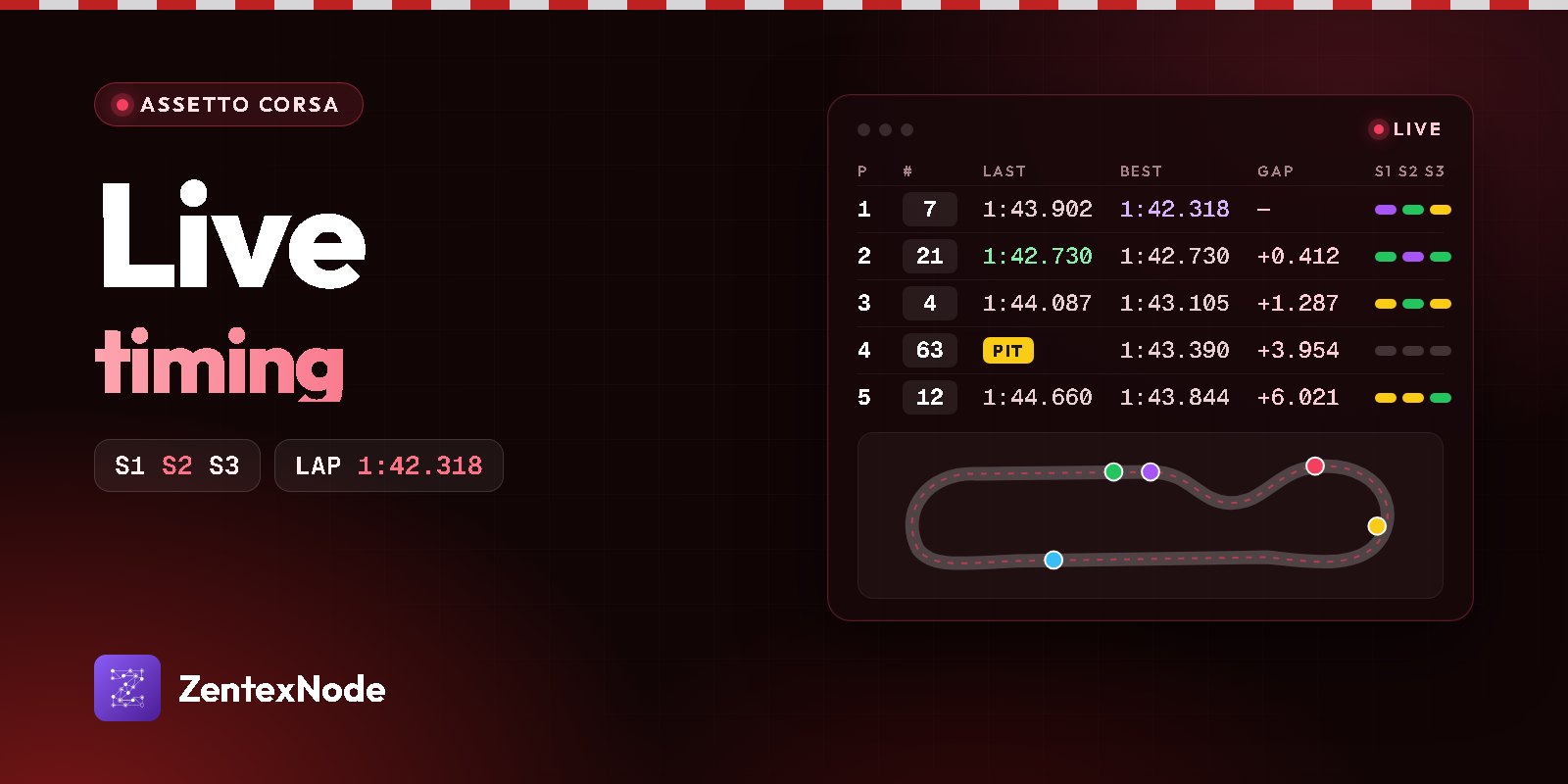
🏁 The short answer
To race with your friends whenever you like, or to run a league with a proper calendar, you need a dedicated Assetto Corsa server: always on, with the track, the cars and the password you choose. At ZentexNode you manage it from a panel in your browser, and on top of that you get Live timing: the standings, the track map with the cars and the best laps, live and without opening the game.It's the server for the original Assetto Corsa, the one with the mods and Content Manager. Assetto Corsa Competizione and Assetto Corsa EVO are different games with a different server, and this one doesn't work for them.
⏱️ Live timing: the race, live in the panel
Your server's menu has a section showing what's happening on track, just a few seconds behind:- The session at a glance: practice, qualifying or race, the current lap or the time left, the drivers online, air and track temperature and grip.
- Live standings: each driver's last lap and best lap, the gap to the leader and to the car ahead, laps, who's in the pits and sector times, approximate while you race. Laps with cuts are struck through.
- Track map with the cars moving in real time. It works with modded tracks too: if a track has no map of its own, the panel draws the layout.
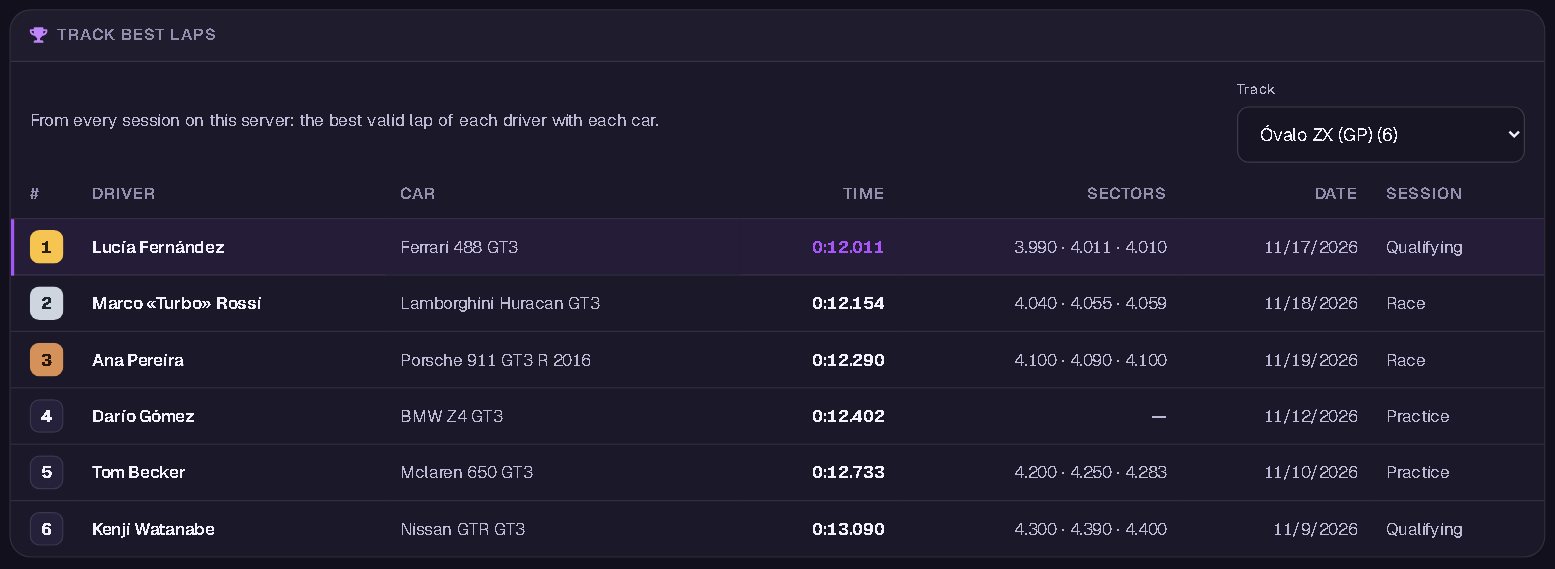
- Track best laps: from every session, each driver's best valid lap with each car. They're stored on the server itself, so they're still there when the session ends.
- Latest: a running list of fast laps, personal bests, overtakes, pit entries and session changes as they happen.
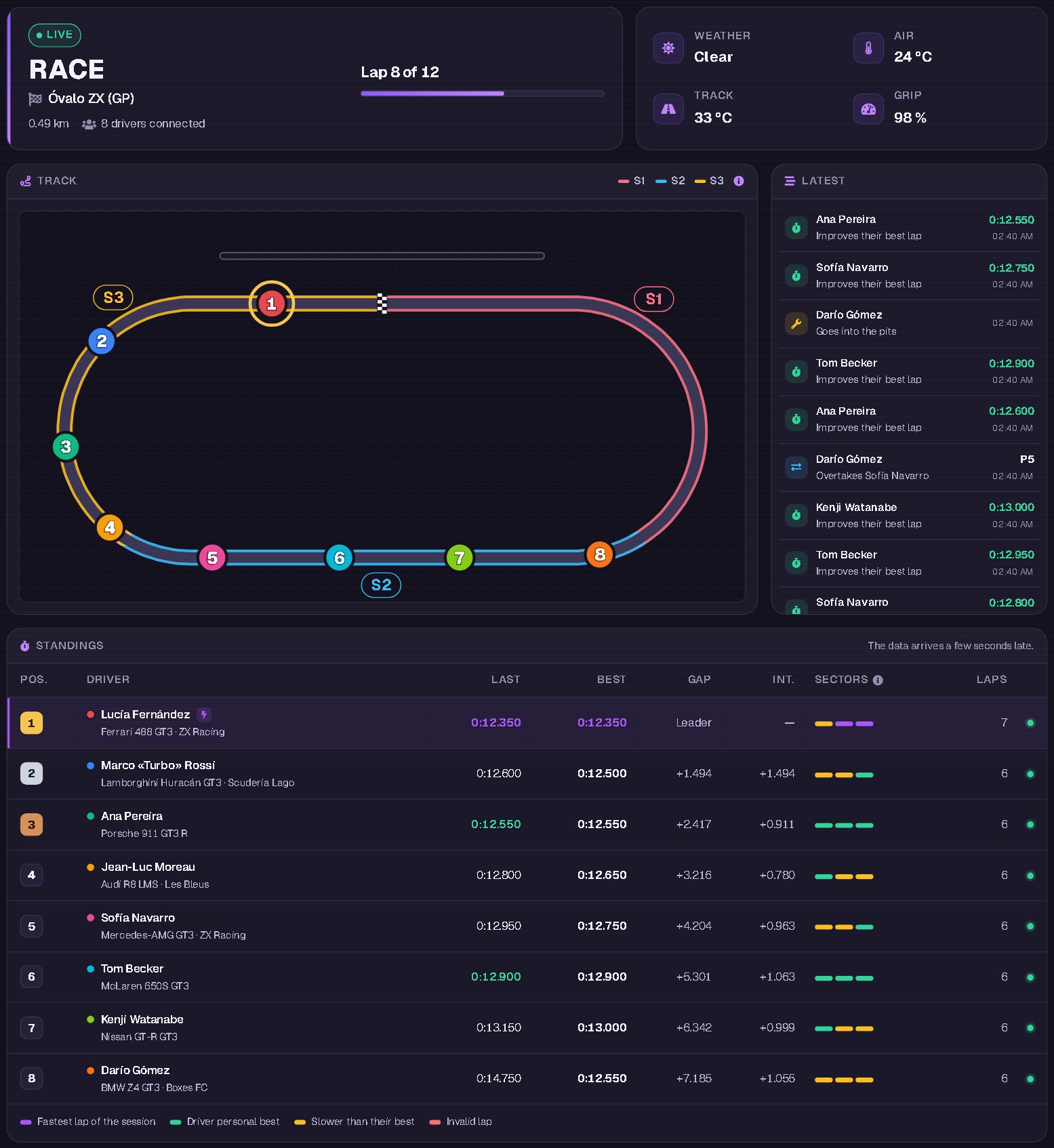 Turning it on takes one click: press “Turn on” in that section and it works from the next server start, with “Restart now” right there on the page. It works on every Assetto Corsa server, including the ones already running, uses about 50 MB of RAM and opens nothing new to the internet. If you already use your own timing plugin, it keeps working as before.
🏆 How it helps a league
- Qualifying: you see who's improving and by how much, without waiting for the session to end.
- Race: overtakes and pit entries show up straight away under Latest, even if you're not in the game.
- Track limits: laps with cuts are struck through as invalid, so you can see straight away who went off track.
- Practice between rounds: leave the server open with the next round's track. The saved best laps work as a benchmark, or a challenge, for the whole week.
- Several organisers: with subusers you give other league admins access to the panel without sharing your password. Those allowed to view the console also see Live timing.
🧩 Modded cars and tracks, and Content Manager
Cars and tracks go in the server's content/cars and content/tracks folders, from the panel's Files tab or over SFTP, with the same folder name they have in your game. Every driver needs the same content installed.To keep that simple, the server comes ready for Content Manager: drivers see the server description before joining, and you can add links there to download whatever they're missing. You write the description in the panel, under Settings, and the download list goes in the cfg/cm_content/content.json file.
🗓️ Get race night ready
- Sessions: in cfg/server_cfg.ini you choose the track, the allowed cars and the practice, qualifying and race sessions. The race can be timed or run over a number of laps.
- Grid: cfg/entry_list.ini lists each slot with its car. For a league you can reserve each driver's slot with their Steam ID (GUID) and add ballast (BALLAST) or a restrictor (RESTRICTOR) to balance the grid.
- Password: set the server password in the panel's Startup tab so only registered drivers can join.
- Race control: with the admin password, type /admin in the game chat, and /help shows the commands to move to the next session or kick someone.
🌍 Where to host it and how much memory
You choose the location when you order: pick the one closest to most of your drivers.The Assetto Corsa server is light: for a normal grid, 2 to 4 GB of RAM is enough. What grows most is disk space, with every track and car you add. If the league grows, you move to a bigger plan from the client area without losing any data.
🚀 How to get started
- Choose your plan on the Assetto Corsa hosting page. When you pay, the server is created automatically and the panel details arrive by email.
- Enter a Steam account that owns Assetto Corsa in the panel and reinstall: that downloads the dedicated server. The guide above explains how.
- Upload the cars and the track, set up the sessions and start it.
- Open Live timing, press “Turn on”, restart the server and let the race begin.