
 Español
 English
 Français
 Português
⚡ The short answer
First pick the edition: ARK: Survival Evolved, the original ARK, or ARK: Survival Ascended, the new version built on Unreal Engine 5. They are two separate games and a server for one does not accept players from the other, so choose the one your group owns. Then the memory: Evolved runs well from 6 GB of RAM and Ascended needs at least 12 GB. Once that is settled, the server is created on its own when you pay, and the map, password, mods and rates are changed from the panel.A “non-dedicated” session opened from the game itself is fine for trying things out for an afternoon, but the world only exists while the person who opened it is playing. For a world that is still there whenever each player logs in, you need a dedicated server.
🦖 Evolved or Ascended: which one
- ARK: Survival Evolved is lighter and its mods come from the Steam Workshop. The server shows up in the Steam server list and in the in-game list.
- ARK: Survival Ascended is the rebuilt game and asks for more memory. Its mods come from CurseForge, and the server shows up in the game’s unofficial sessions list.
💾 How much RAM you need
The edition matters most; then the map and mods, and finally the number of players. As a guide:- Evolved: 6 to 8 GB, depending on the map and mods.
- Ascended: at least 12 GB, and more with a lot of mods.
🚀 Setting up the server step by step
- On the ARK hosting page, choose the edition, the plan and the location closest to your group.
- Complete the payment. Activation is automatic: the server is created on its own and your panel login details arrive by email.
- Log in to the panel and open Game settings. In the Game box, set the server name, the map, the max players and, if you like, a password to join.
- Start the server from the console. The first start takes a few minutes while the map loads; the console tells you when it is ready.
🧩 Mods
The panel’s Mods tab sets them up for you:- Evolved: paste the link to a Steam Workshop collection or the mod IDs.
- Ascended: paste the CurseForge IDs, which are shown on each mod’s page.
⚙️ Rates, breeding and dino levels
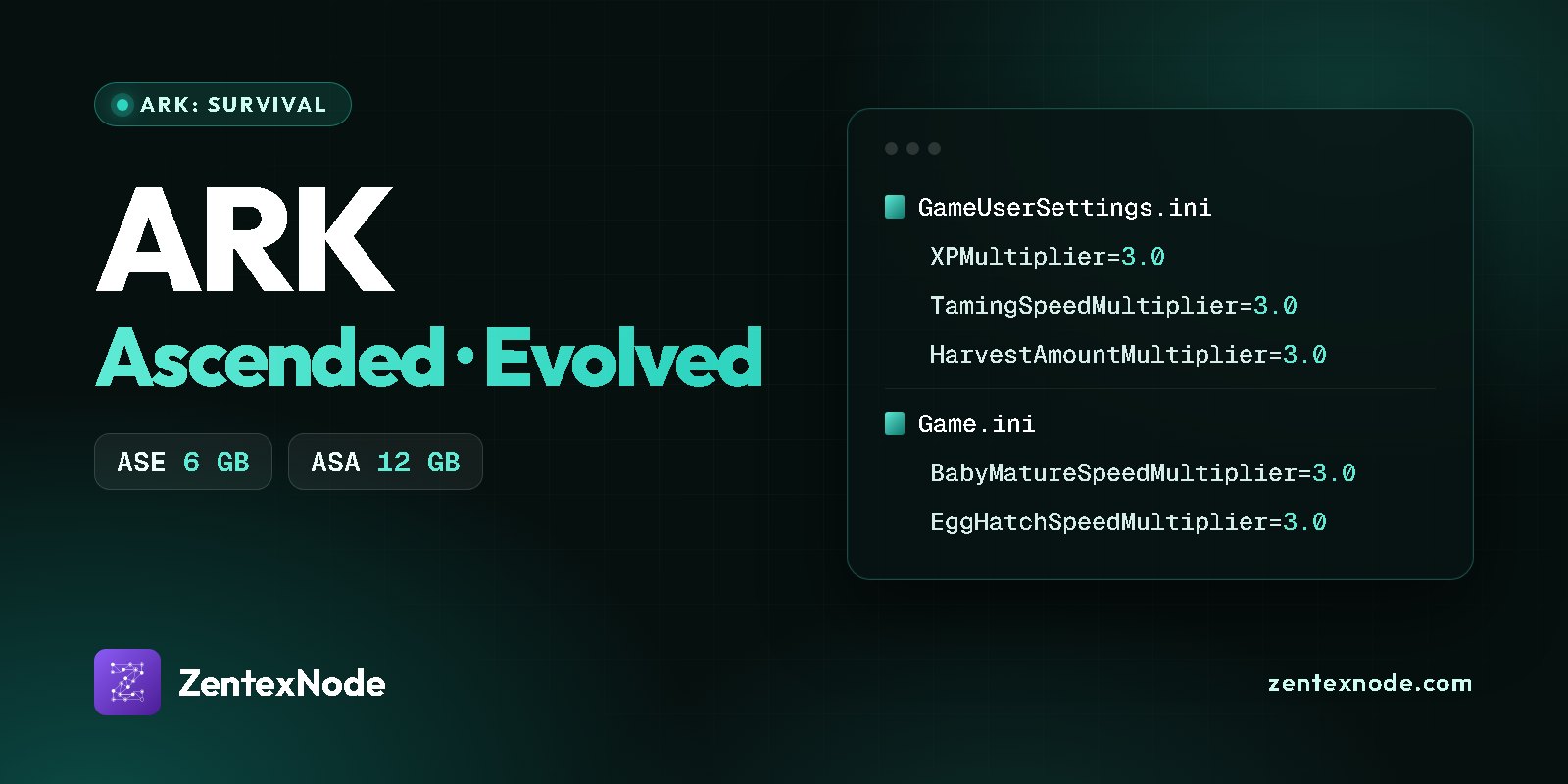
Game settings has experience, taming, harvesting, crop growth, breeding and the maximum level of wild dinos, with Official, ×2, ×3, ×5 and ×10 presets. With the server running, you save with Save and restart, because ARK rewrites its settings when it shuts down. What each value does, and how to change it by hand in the files, is explained in how to change the rates on your ARK server.🎮 Joining the server
- Evolved: in the game, search for the exact name in the unofficial sessions list; if it has a password, tick the option to show password-protected servers. You can also add it to your Steam favorites (View → Game Servers → Favorites) with the IP and the query port, not the game port. You will find it in the panel, under Startup.
- Ascended: search for it by name in the game’s unofficial sessions list. The first time, it can take a while to appear.