 Español
 English
 Français
 Português
🚓 The short answer
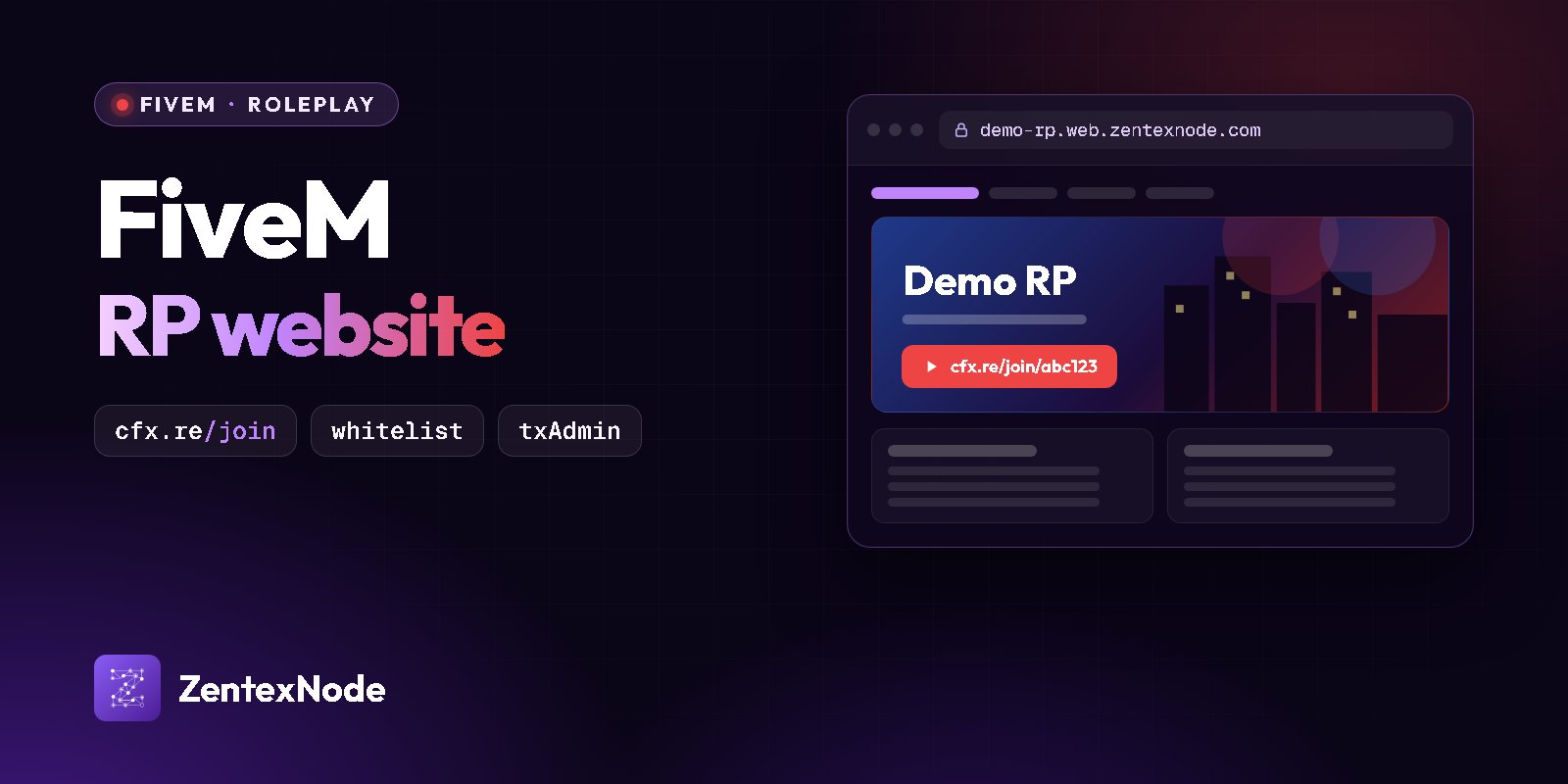
A roleplay server lives on its rules, its story and its whitelist, and none of that fits in a Discord channel. Your FiveM server's website is where new players read the rules, apply to join, see who's on staff and, once accepted, click a button and they're in. You build it with WordPress on your own hosting, no coding, and the store goes through Tebex, which is what FiveM requires.📋 What an RP server website needs
- Rules: the roleplay and community rules, on a page that's easy to link to.
- Lore: the city, the factions, the jobs and the gangs.
- Whitelist: the application form.
- Staff: who moderates and how to get in touch.
- Connect: a button that opens FiveM and joins your server directly.
- Store: a button to your Tebex store, if you have one.
- Discord: the invite or the widget.
🧰 What you need
- A web hosting plan with WordPress. Installing it, the theme and the Discord widget are covered in the guide to your clan or community website: the steps are the same.
- A domain: your server's own (
mycityrp.com) or the freeyourname.web.zentexnode.com. - Your FiveM server running with txAdmin. If you don't have one yet, start with how to create a FiveM server from scratch.
📜 Step 1: rules and lore
Create a “Rules” page and a “Lore” page. For the rules, a single page with sections (general rules, roleplay, traffic, robberies, staff…) works better than many pages: you can link to a specific section and it's easier to keep up to date. Put the date of the last change at the top, so nobody plays by old rules.📝 Step 2: the whitelist application
With a forms plugin (Contact Form 7 or WPForms), build a form with what your staff needs to decide:- Discord username;
- the character's name, age and backstory;
- roleplay experience and other servers;
- having read the rules (a required checkbox).
whitelist@mycityrp.com and read them in webmail. When the staff accepts someone, they're given access in txAdmin, in its whitelist section: depending on the mode you choose, by their FiveM license or by a role on your Discord.🎮 Step 3: the “Connect” button
Every FiveM server has a code on the official server list. Here's how to find yours:- With your server online, search for it by name on
servers.fivem.netand open it. - The page address ends with your code:
…/servers/detail/abc123. - Your join link is
https://cfx.re/join/abc123(with your code).
🛒 Step 4: the store, through Tebex
For FiveM and RedM, the official documentation only allows payments through Tebex: any other platform or payment provider is forbidden. So the store doesn't live on your website, but on Tebex:- Create your Tebex store and link it to your server, as FiveM's official guide explains (
docs.fivem.net, “Setting Up a Tebex Store”). - On your website, add a “Store” link to the menu that goes to your Tebex store.
👮 Step 5: staff and contact
A page with the staff (Discord name and role) and how to get help: the ticket channel on your Discord or a form that goes tostaff@mycityrp.com. If you give your team access to the server panel, do it with subusers, never by sharing your password.🕹️ SA-MP or MTA?
The website is the same; only the way in changes. For MTA, the button can point tomtasa://your-address:port, which opens the game if it's installed. For SA-MP, show the address clearly, with its port (your-address:7777), and explain that players add it by hand to the launcher's server list. If you don't have the server yet, see how to create a SA-MP or MTA server.🛟 If something doesn't work
- The connect button doesn't open anything: the player doesn't have FiveM installed, or the code isn't your server's. Try it yourself with the server online.
- Applications don't arrive: check the destination email in the plugin and the spam folder.
- You get spam applications: turn on the forms plugin's anti-spam protection.
- You change the rules: update the date at the top and announce it on Discord.