 Español
 English
 Français
 Português
🌐 The short answer
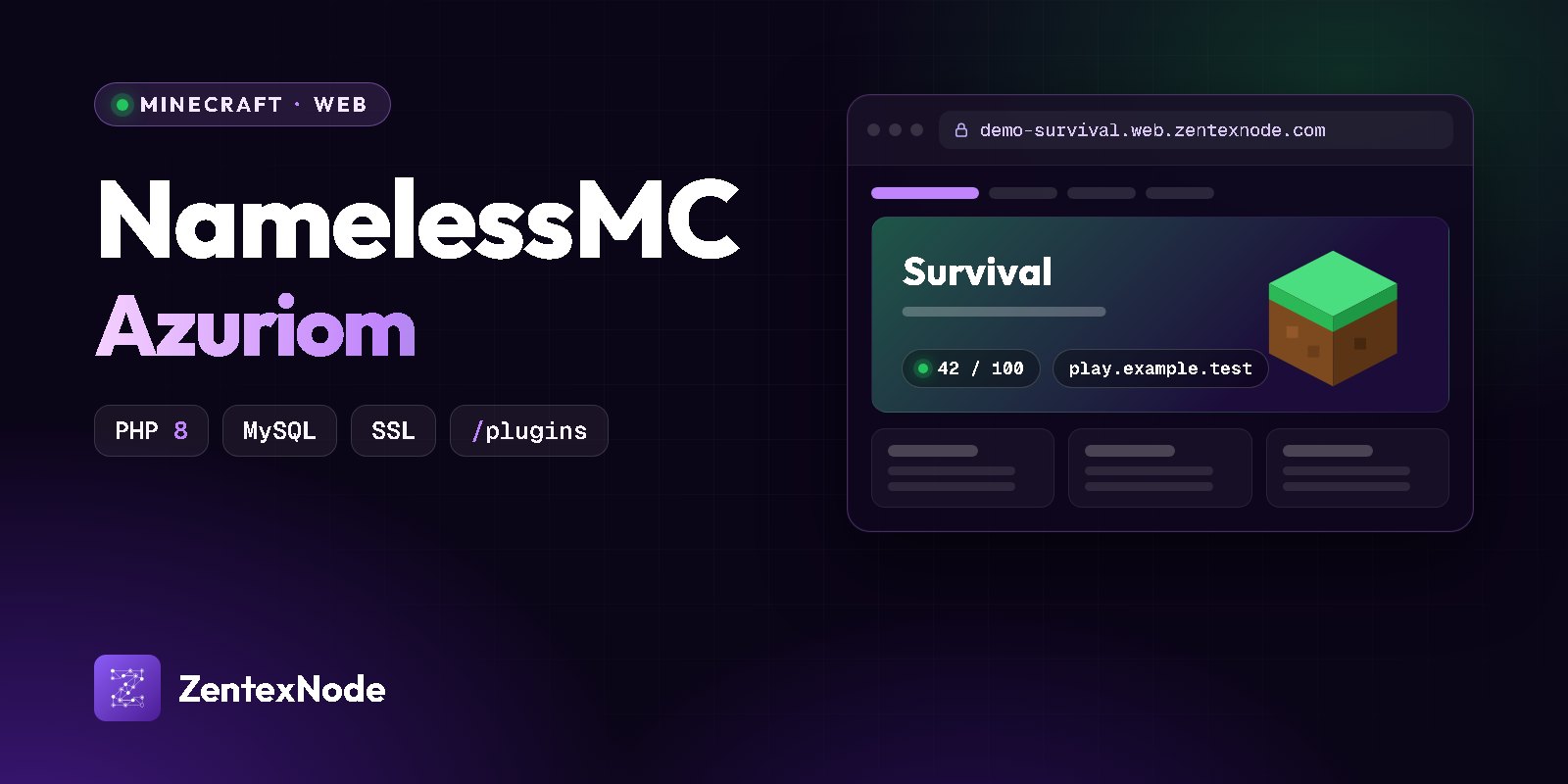
A Minecraft server's website is where your players see the IP, how many people are online, the rules and the news, and where they sign up, vote or post on the forum. There are two free programs built exactly for this: NamelessMC and Azuriom. Both run on PHP and a MySQL database, so they work on regular web hosting, no VPS or command line needed.Your Minecraft server stays where it is; the website lives separately, on your hosting, and talks to the server to show its status and, if you want, sync ranks. Here's how to set it up, step by step.
⚖️ NamelessMC or Azuriom: which one?
- NamelessMC comes with a forum, custom pages, sign-in with Discord or Google, the status of your Java and Bedrock servers, and a server plugin that verifies accounts, copies in-game ranks to the website, whitelists players who have a website account and shows announcements in chat. It also syncs Discord roles.
- Azuriom is a lightweight core you extend with plugins from its own admin panel: shop, votes, support or FAQ, plus themes to change the look. It links to your server with the AzLink plugin, which also exists for other games.
🧰 What you need
- A web hosting plan with cPanel: every plan includes PHP 8, MySQL databases and free SSL, which is what both of them need.
- A domain. Your own, or the free
yourname.web.zentexnode.com, which you pick when you order, with nothing to buy. If you want your game server to be reachable atplay.yourdomain.com, see how to add your custom domain. - Your Minecraft server's address (it's at the top of your game panel) and about 20 minutes.
🗄️ Step 1: create the database
Log in to your cPanel and, in the left-hand menu, open “Databases” and click “Create Database”.Give it a name (for example,
web) and create a user with a long password and all privileges on that database. cPanel adds your username in front, so the real name ends up as username_web. Write down three things: the database name, the user and the password. The database host is localhost.📦 Step 2: upload the files
- Download the latest version from the official website,
namelessmc.comorazuriom.com. It's a.zip; for NamelessMC, take the one callednameless-deps-dist.zip, which already includes everything it needs. - In cPanel, open “Files” → “File Manager” and go into your domain's folder (for the main domain,
public_html). - Click “Upload”, choose the
.zipand, when it's done, select it and click “Extract”. The files must end up directly in the domain's folder, not inside a subfolder. - Delete the
.ziponce it's extracted.
🧙 Step 3: the installer
Open your domain in the browser and the installer starts. First it checks the requirements (with the default PHP version, everything shows green), then it asks for the details from step 1:- Host:
localhost. - Database, user and password: the ones you wrote down.
The SSL certificate is set up automatically: your website opens with
https:// without you doing anything.🔗 Step 4: link your Minecraft server
The status (online, players connected) only needs your server's address and port, with nothing installed on the server: in NamelessMC, under “Integrations” → “Minecraft” → “Minecraft Servers”; in Azuriom, under “Servers”, with the “Minecraft Ping” link type.Everything else (ranks, whitelist, delivering what players buy in the shop) works through a plugin on your Minecraft server: Nameless Plugin for NamelessMC or AzLink for Azuriom. They run on Paper and Spigot, and also on Velocity and BungeeCord.
- Download it from its official page and upload it to your server's
pluginsfolder from the game panel (if you've never done it, see how to install plugins on Paper and Purpur). Restart the server. - With NamelessMC: in the website's admin area, under “Configuration” → “API”, copy the API URL and API key, paste them into the plugin's config file (open it from “Files” in the game panel) and type
/nlpl reloadin the console. - With Azuriom: when you add the server under “Servers” with the “AzLink” link type, the website gives you an
azlink setup …command. Copy all of it and paste it into the console in the game panel. Commands from the website then reach the server within 30 seconds to a minute, without opening any port.
⏱️ Azuriom only: a scheduled task
Some Azuriom features, such as renewing shop subscriptions, need a cron job that runs every minute. In cPanel, under “Advanced” → “Cron Jobs”, add one with this command (replaceusername with your cPanel username):cd /home/username/public_html && php artisan schedule:run🛟 If something doesn't work
- You see the hosting's welcome page or a list of files: the files are inside a subfolder. Move them into the domain's folder.
- Error 404 everywhere except the home page: the
.htaccessfile is missing. It's a hidden file inside the.zip; extract it again with the File Manager. - “Access denied” when connecting to the database: check the full name, with the prefix (
username_web), and that the user has all privileges. - The server status doesn't show: check the address and port, and that the server is online.
- Large images won't upload: the default limit is 2 MB; resize them before uploading.
No server yet? Check out our Minecraft hosting: the website and the game, each in its own place.