 Español
 English
 Français
 Português
🏰 The short answer
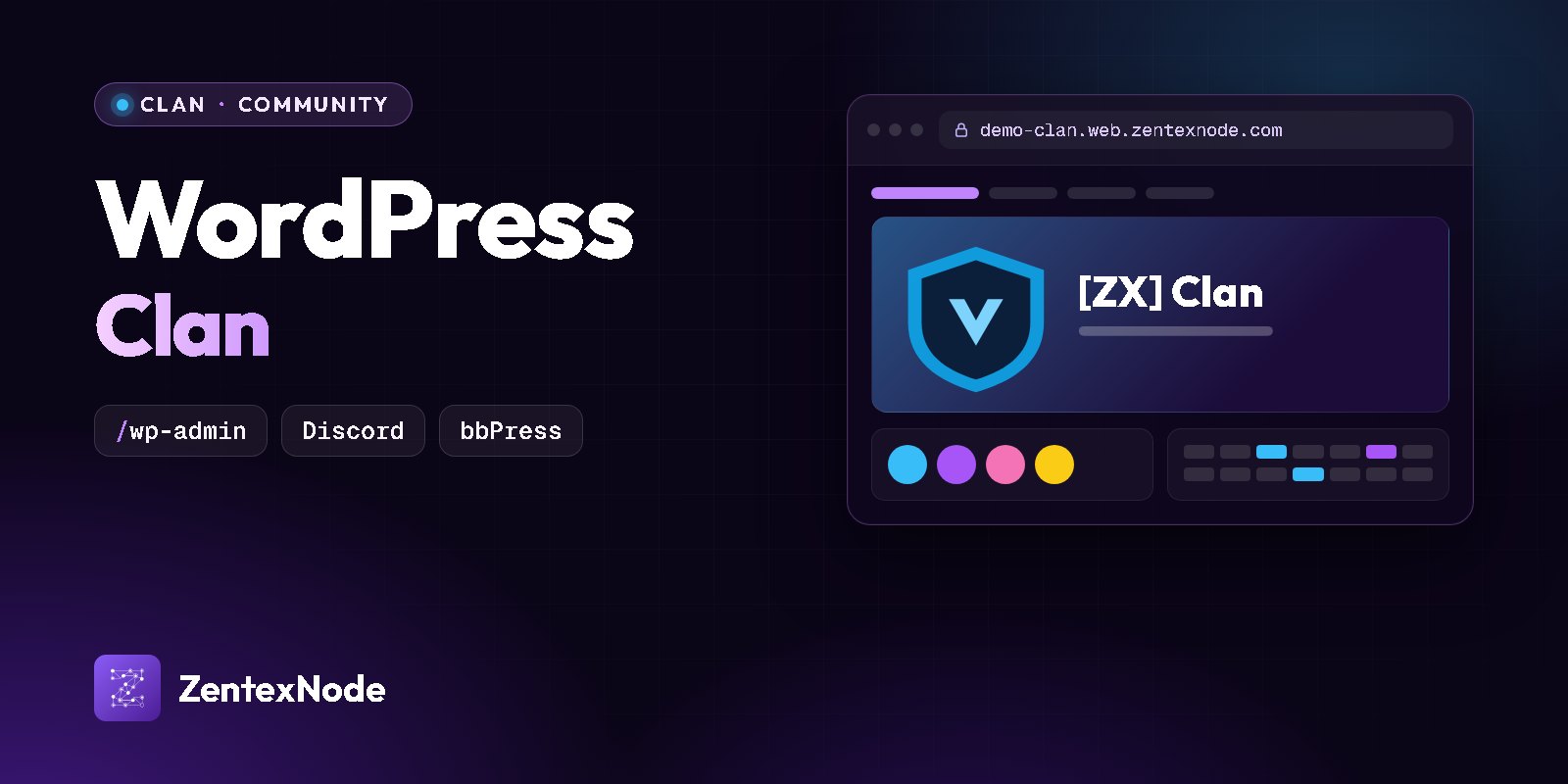
Discord is great for chatting, but nobody finds it on Google and whatever gets written is lost in the scroll. Your clan or community website is your shop window: who's in the clan, what it plays, when it meets up and how to join. The easiest way to build it is WordPress on your own hosting: it installs in a few minutes, you pick a theme and add whatever you need with plugins, no coding.📋 What to put on your clan's website
- Home page: who's in the clan, which games it plays and a button to join its Discord.
- Members: the team, with their roles (leader, captains, staff).
- Events: meetups, tournaments or raids, with date and time.
- Recruitment: a form for anyone who wants to join.
- News: results, changes and announcements that stay up and can be searched.
- Servers, if the clan has them: the address to join and the rules.
🧰 What you need
- A web hosting plan: every plan includes what WordPress needs (PHP and MySQL) plus free SSL.
- A domain: the clan's own (
myclan.com) or the freeyourname.web.zentexnode.com, which you pick when you order. - About 20 minutes to get it running.
⚙️ Step 1: install WordPress
In your cPanel, open “Websites & Apps” and click “Add Website”. Choose the domain and, for how you want to build the site, WordPress. The panel installs it for you, database included, and lets you into the dashboard. If your panel doesn't offer WordPress there, install it with Softaculous, which is also in your cPanel: choose WordPress and install it; it creates the database for you.Once it's done, the dashboard is at
yourdomain.com/wp-admin. First thing: under “Settings” → “General”, set the language and the time zone (so events show up at the clan's time).🎨 Step 2: a theme that looks like gaming
Under “Appearance” → “Themes” → “Add New Theme”, search for “gaming” or “esports”. Before you settle on one, check three things: that it was updated recently, that it has plenty of active installations and that it looks good on a phone (most of your clan will visit from one). Then add the clan's logo and colours under “Appearance” → “Customize” or in the site editor.🧩 Step 3: the plugins worth having
Few and good: every plugin is one more thing to update. From “Plugins” → “Add New Plugin”:- Events: a calendar, such as The Events Calendar.
- Forms: for recruitment, such as Contact Form 7 or WPForms.
- Forum, if you want one: bbPress, from the WordPress folks themselves.
- Member profiles, if you want your own social network: BuddyPress.
💬 Step 4: your Discord on the website
No plugin needed: Discord has its own widget.- In Discord, under Server Settings → “Widget”, turn the widget on and copy the Server ID.
- In WordPress, on the page where you want it, add a “Custom HTML” block with this (replace the number with your ID):
<iframe src="https://discord.com/widget?id=123456789012345678&theme=dark" width="350" height="500" sandbox="allow-popups allow-popups-to-escape-sandbox allow-same-origin allow-scripts"></iframe>📝 Step 5: recruitment
With the forms plugin, build one with what you need to know: in-game name, age, availability, game and role, and why they want to join. Have the answers sent to a clan mailbox: with the hosting you can create accounts likerecruitment@myclan.com and read them in webmail. Put the form on its own page and link it from the menu and the home page.🔒 Step 6: keep it from getting taken down
- Update WordPress, the theme and the plugins: most attacks get in through an outdated plugin.
- A long password for every administrator, and only as many administrators as you really need. Everyone else who writes gets the “Editor” or “Author” role.
- Before big changes, download a backup of your account from cPanel.
🛟 If something doesn't work
- The site shows up unstyled or as “not secure” right after installing: the SSL certificate takes a few minutes to be issued. Wait and reload.
- Form submissions don't arrive: check the destination email in the plugin and look in the spam folder.
- The Discord widget is empty: the widget isn't turned on in Discord, or the ID isn't your server's.
- You can't upload a theme or a large image: the default limit is 2 MB; install the theme from the WordPress search or resize the image.