 Español
 English
 Français
 Português
🎟️ What you need
- Your own Foundry VTT licence, bought on foundryvtt.com. We don't sell it. Only the game master needs one: players join for free.
- A Timed URL. On foundryvtt.com, open your licence, pick the Node.js version and press Timed URL. It expires after 5 minutes, so copy it just before paying and paste it at checkout: the server installs Foundry with it.
- The first time you open Foundry, it asks for your licence key and for you to accept the licence agreement. Then you are on the setup screen.
🧠 How much memory
Foundry itself uses little. What grows over time is the game system, the modules and the size of your maps, tokens and music.- 2 GB is enough to start with a usual table.
- 4 GB if you install many modules or use large scenes.
🔒 HTTPS, audio and video
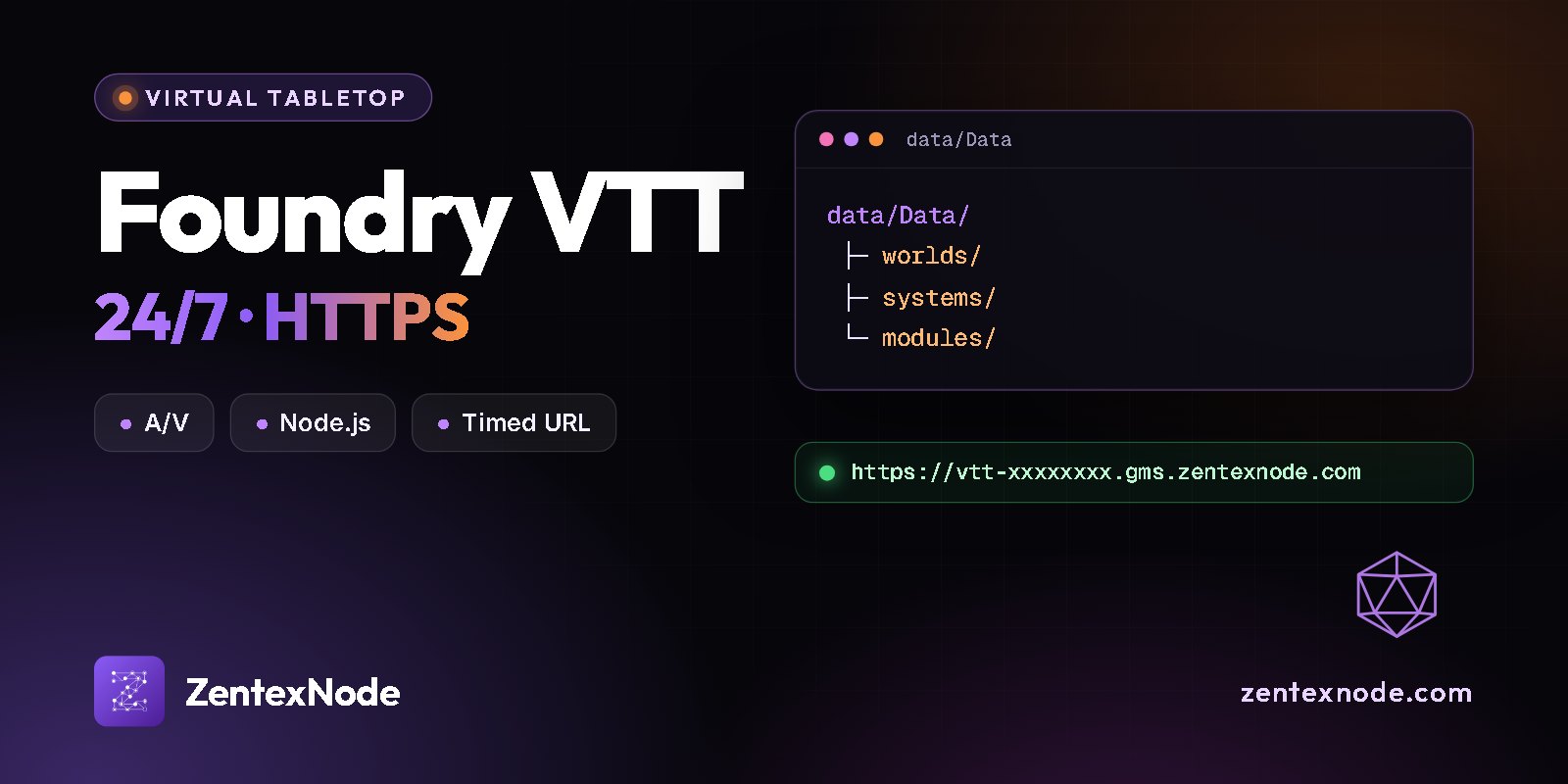
Foundry's audio and video chat only works on an https:// address: browsers don't give a page on plain http access to the camera and microphone.That's why every Foundry server comes with a free subdomain with its own certificate, such as
vtt-xxxxxxxx.gms.zentexnode.com. The certificate is set up on its own a few minutes after the server is created (the server may restart once to enable it), and then it renews on its own. Your welcome email tells you this, and the link with https:// and the port is in your account and in the panel's Foundry tab. You can rename the subdomain for free in Manage → Add-ons.You don't need the Let's Encrypt option in Foundry's own configuration: the certificate is already in place.
📁 Worlds, systems and modules
Everything you create lives indata/Data: worlds, systems and modules, plus the images and music you upload.- Systems and modules are installed from Foundry's setup screen, as on your PC: they download straight to the server.
- To bring a world you already have, copy its folder to
data/Data/worlds, along with the system and modules it uses. In the panel's file manager you can upload a .zip and extract it there. - Before updating a system or Foundry itself, take a backup from the panel.
- To change Foundry's version, open the panel's Foundry tab and, under Change version, paste a new Timed URL (the one from your order has expired), press Check and then Install this version. Your worlds, systems, modules and licence (the
data/folder) are not touched. The same tab shows the installed version, whether the licence and the administrator key are set, the HTTPS certificate and your address, with Open Foundry.
🎲 How players join
- Launch your world from the setup screen.
- In the world's settings, create a user for each player, with a password.
- Send them the link. They open it in the browser, pick their user and type their password.
🌍 Where to put it
Choose the location that is close to most of your table:- Spain, for Europe: Foundry VTT server hosting.
- Miami (United States), for the eastern and southern United States: Foundry VTT hosting in the USA, in US dollars.
- Montreal (Canada), for Canada and the Northeastern United States: Foundry VTT hosting in Canada, in Canadian dollars.
- Sydney (Australia), for Australia and New Zealand: Foundry VTT hosting in Australia, in Australian dollars.
- The São Paulo region (Brazil), for Brazil and South America.